
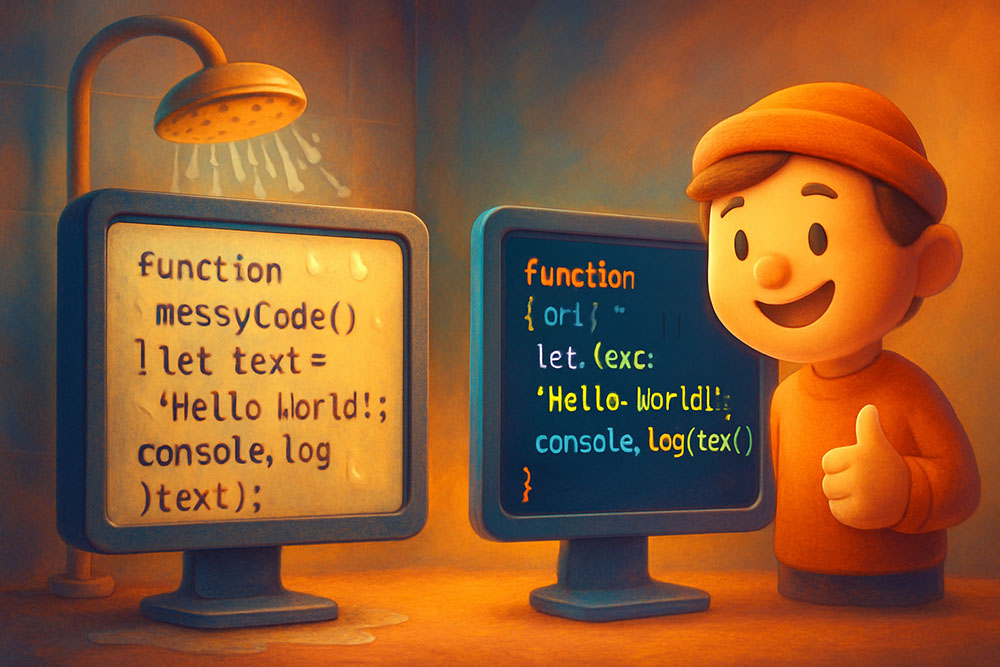
The Struggle of the Technical Blogger
You have written a brilliant Python script. You want to share it on your blog. You copy it from your IDE (VS Code, PyCharm). You paste it into WordPress or Medium.
Disaster strikes.
The indentation is gone. The quotes have turned into "Smart Quotes" (curly quotes) which break the syntax. The less-than signs (`<`) are being interpreted as HTML tags, making parts of your code disappear.
Posting code requires a specific hygiene process. You cannot treat code like regular text.
Problem 1: The "Smart Quote" Killer
Word processors and CMS editors try to be helpful by converting straight quotes (`"`) into curly quotes (`“`).
In Python: `print("Hello")` works.
In Python: `print(“Hello”)` crashes with `SyntaxError: invalid character`.
The Fix: Before pasting code into a blog, run it through a Text Cleaner that creates "Straight Quotes." This replaces every curly variation with the standard ASCII 34 (`"`) and ASCII 39 (`'`) characters.
Problem 2: HTML Entities
If your code contains HTML or Generics, browsers will get confused.
Code: `if (x < 10)`
Browser: "Oh, `< 10` looks like an opening HTML tag." *Hides the text*.
The Fix: You must "Escape" special characters.
`<` becomes `<`
`>` becomes `>`
`&` becomes `&`
An HTML Entity Encoder tool does this automatically. You paste your raw code, get the escaped version, and paste that into your blog's `<pre><code>` block.
Problem 3: Tabs vs. Spaces
In your IDE, a "Tab" might be 4 spaces wide. On a web page, a "Tab" is often 8 spaces wide, or it might not render at all.
Python relies on indentation. If your tabs get messed up, the code is useless.
The Fix: Use a "Tabs to Spaces" converter. Converting every tab to 2 or 4 soft spaces ensures that the visual alignment is preserved exactly as you see it, regardless of the user's browser settings.
Problem 4: The "Ghost" Background
Copying from VS Code often copies the background color (RTF/HTML styling). When you paste it, you get a black box with syntax highlighting that clashes with your blog theme.
The Fix: "Strip Formatting" (Plain Text). Paste the raw code and let your blog's syntax highlighter (like Prism.js or Highlight.js) handle the coloring. It is lighter, faster, and respects user themes (Dark Mode support).
The Perfect Workflow
1. Copy code from IDE.
2. Paste into Text Tool.
3. Actions: "Smart Quotes to Straight", "Tabs to Spaces", "Escape HTML".
4. Copy result.
5. Paste into Blog.
Your readers will love you because they can copy-paste your code and run it without syntax errors.