
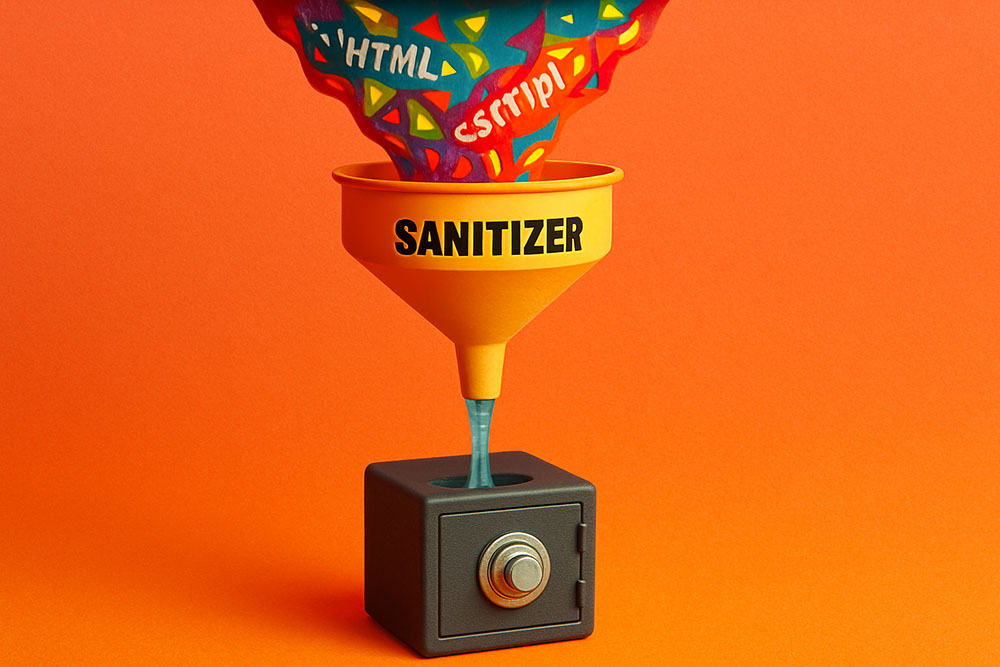
The Hidden Danger of "Paste"
In the world of web development and database management, "Rich Text" is a double-edged sword. Users love it because they want their comments to be bold, colorful, and expressive. Developers hate it because it is a security nightmare, a storage hog, and a design breaker.
When a user copies text from a Word document or a shady website and pastes it into your form, they aren't just pasting words. They are pasting a complex web of HTML tags, inline CSS styles, and potentially malicious scripts. If you save this raw input directly to your database, you are inviting trouble. This process of cleaning the input is called "Sanitization," and the most aggressive form of sanitization is converting everything to Plain Text.
The Security Threat: XSS (Cross-Site Scripting)
The biggest risk of accepting Rich Text (HTML) is XSS.
Imagine a user pastes this:
<script>steal_cookies()</script>Hello World!
If your website blindly renders this HTML, that script will execute in the browser of anyone who views the comment. Attackers can steal sessions, redirect users, or deface your site.
By running the input through a Plain Text Converter (which strips all tags), the output becomes:
steal_cookies()Hello World!
It looks weird, but it is harmless text. The executable code is gone.
The Database Bloat Issue
Rich text is heavy.
Plain Text: "Hello" (5 bytes)
Rich Text (Word paste): `<p class="MsoNormal" style="margin-bottom:0in;font-family:'Calibri',sans-serif;"><span style="color:black;">Hello</span></p>` (150+ bytes)
You are storing 30x more data for the exact same message. If you have a database with millions of rows, this "markup overhead" costs you real money in storage fees and slows down your query performance. Converting to plain text ensures you are only storing the signal, not the noise.
UX Consistency: The "Ransom Note" Effect
If you allow users to bring their own formatting, your comment section will look like a ransom note.
- User A posts in Comic Sans 14px.
- User B posts in Times New Roman 10px Red.
- User C posts in Helvetica 40px Bold.
This destroys your UI consistency. By forcing all input to Plain Text, you (the designer) control the typography. You use CSS to style the plain text, ensuring every comment looks uniform, professional, and readable on mobile devices.
The Sanitization Workflow
1. Intercept: When the user pastes into the text area.
2. Strip: Use a tool (or regex) to remove all characters between `<` and `>`.
3. Decode: Convert HTML entities (`&`) back to characters (`&`).
4. Store: Save the clean string to the database.
For users who need some formatting (like bolding), the modern standard is to strip HTML but allow Markdown. Markdown is safe, lightweight, and easy to parse.