
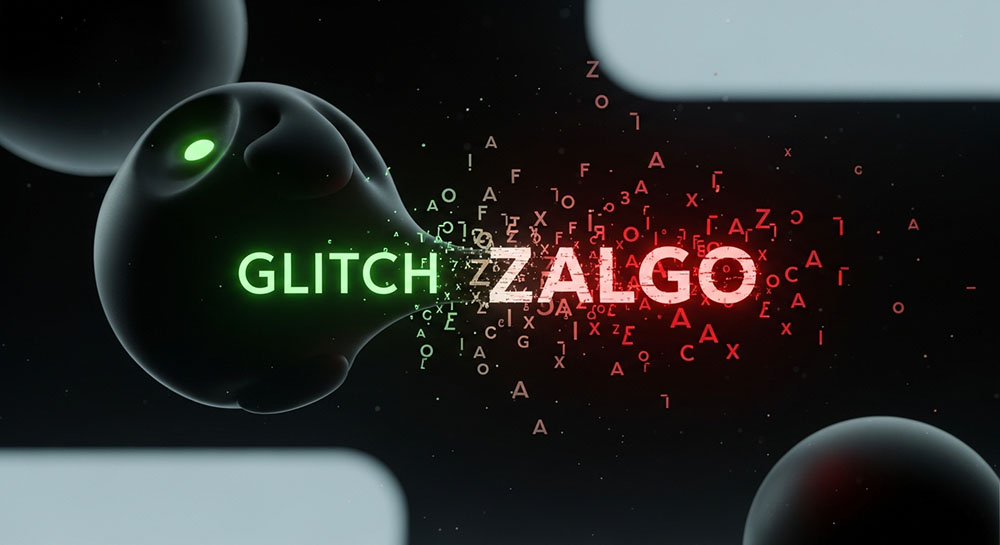
Embrace the Chaos
You have seen it. Text that looks like it is melting. Letters with creepy markings floating above and below them, bleeding into other lines. This is Zalgo text. It looks like a software bug, but it’s actually a feature.
The "glitch" effect is created by stacking "combining diacritical marks" on top of each other. Unicode allows you to add accents to letters. It doesn't really say how many accents you can add. So, Zalgo generators add dozens. They stack them until the text looks corrupted.
Why Would You Want This?
1. Horror and Creepypasta: This style originated in horror communities. If you are writing a scary story or making a spooky video thumbnail, Zalgo text sets the mood instantly. It feels cursed.
2. Memes and Surrealism: Internet humor is increasingly surreal. "Deep-fried" memes often use glitch text to represent distorted audio or chaotic energy. It’s a visual representation of noise.
3. Artistic Expression: Some designers use controlled glitch text to create avant-garde typographic posters or headers that feel cyberpunk or dystopian.
Finding the Right Tool
Not all generators are equal. The best tools give you a "chaos slider." You don't always want the text to be unreadable. Sometimes you just want a little bit of static.
Look for a generator that lets you control:
- Direction: Do the glitches go up, down, or middle?
- Density: How many marks per letter?
Our Glitch Text Generator allows for this fine-tuning. You can create text that is slightly "off" (l̶i̶k̶e̶ ̶t̶h̶i̶s̶) or completely destroyed. Just remember: this text takes up a lot of vertical space. If you use it in a comment section, you might get banned for "flooding" because your text bleeds into other people's comments. Use with caution!