
The Battle for Attention in the Comment Section
The YouTube comment section is a chaotic, fast-moving environment. Whether you are a creator trying to pin important info, or a viewer wanting your opinion to be heard, getting noticed among thousands of comments is tough. One of the most effective, underutilized tricks to stand out is using SMALL CAPS.
Small caps are characters that look like uppercase letters but are the height of lowercase letters. They convey a sense of formal shouting—loud, but polite. They are distinctive, professional, and incredibly effective at drawing the eye without triggering the "spam" filters that often catch all-caps comments.
What Are Small Caps?
A Typographic Nuance
In traditional typography, small caps are used for acronyms (like NASA) or to prevent capitalized words from overwhelming the surrounding text. On the web, genuine CSS small caps exist, but you cannot use CSS in YouTube comments. Instead, we rely on a specific set of Unicode characters (IPA Extensions and Phonetic Extensions) that resemble small capital letters.
Why They Stand Out
Standard YouTube comments are displayed in Roboto (on Android/Web) or San Francisco (on iOS). These are standard sans-serif fonts. When you introduce SMALL CAPS, you change the texture of the text block. It looks uniform, blocky, and distinct from the jagged ascent and descent of normal mixed-case writing.
Strategic Uses for Small Caps on YouTube
1. The "Aesthetic" Comment
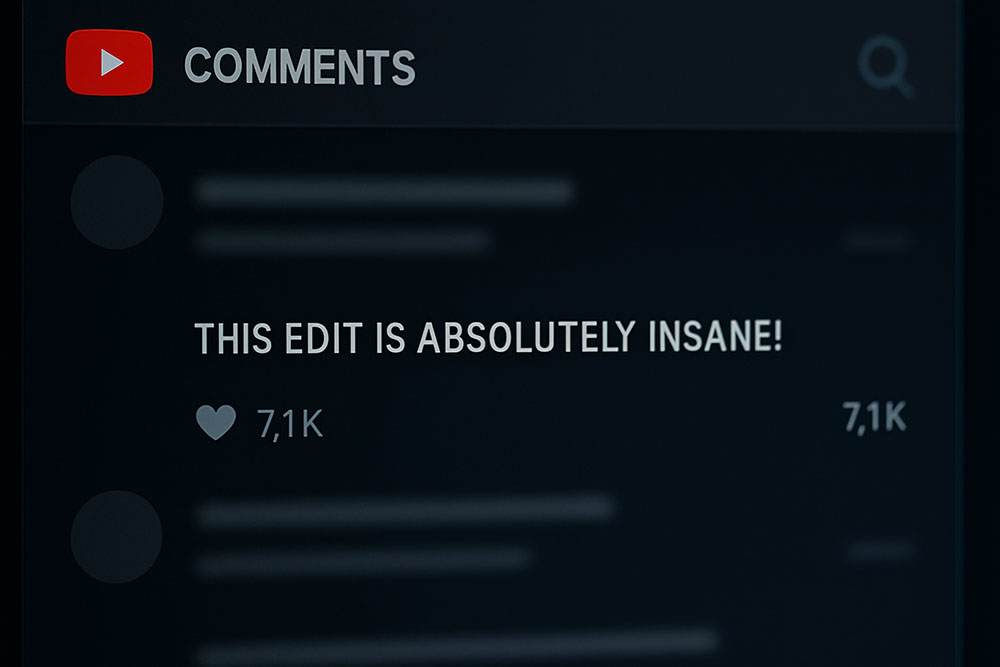
Gen Z and internet culture embrace "aesthetic" typography. Writing a compliment like "ᴛʜɪs ᴇᴅɪᴛ ɪs ɪɴsᴀɴᴇ" implies a level of effort and cultural savvy. It signals to other users that you are part of the trend, often attracting likes from people who appreciate the style.
2. Headers for Long Comments
If you are writing a detailed review or a timestamp list, use small caps as headers.
ᴠᴇʀᴅɪᴄᴛ: The video was great.
ᴛɪᴍᴇsᴛᴀᴍᴘs:
0:00 Intro
This formatting makes your comment look like a mini-article, increasing its perceived value.
3. Channel Names and Branding
Some creators use small caps for their channel names or video titles. Doing this in your comments creates brand consistency. It helps your audience recognize you instantly in the wild.
How to Generate Small Caps
The Tool
Using our Small Caps Converter is effortless. You type "Subscribe for more," and the tool outputs "sᴜʙsᴄʀɪʙᴇ ғᴏʀ ᴍᴏʀᴇ." Note that not every letter has a perfect small cap Unicode equivalent (for example, the letter 'F' or 'Q' might look slightly different depending on the specific Unicode set used), but the overall effect is seamless.
Copy and Paste
Since these are just text characters, you can copy the result and paste it directly into the YouTube mobile app or desktop site. No special formatting codes are required.
Small Caps vs. All Caps
The "Yelling" Factor
Writing in standard ALL CAPS IS OFTEN INTERPRETED AS YELLING. It can come off as aggressive, immature, or spammy. YouTube's automated moderation systems are also more likely to hide or hold comments that are entirely in uppercase letters.
The Sophisticated Alternative
Small caps (ꜱᴍᴀʟʟ ᴄᴀᴘs) bypass this psychological trigger. They provide the emphasis of capitalization without the aggression. It looks like a stylistic choice rather than a broken Caps Lock key. This nuance keeps your comment friendly and approachable.
Technical Considerations
Search and Indexing
Similar to other Unicode tricks, words written in small caps are not always indexed correctly by search engines. If you want your comment to be found when someone searches for a specific keyword, use standard text for that keyword and small caps for the surrounding stylistic elements.
Readability
Small caps are generally quite readable, but long paragraphs can be tiring to the eye. Use them for short bursts—headlines, emphasis, or short phrases—rather than writing a 500-word essay entirely in small caps.
Beyond YouTube
Discord and Gaming
This style is massive in the gaming community. Using small caps for your Discord nickname or server channel names (e.g., #ʀᴜʟᴇs, #ɢᴇɴᴇʀᴀʟ) keeps the interface looking clean and organized. It differentiates official channels from user discussions.
Twitter/X Bios
Twitter bios are another prime real estate for small caps. It allows you to fit "more" visual weight into a small space, making your profile look curated and professional.
Conclusion
If you want your YouTube comments to stop being ignored, stop using the same formatting as everyone else. Small caps offer a unique, visually pleasing way to grab attention without being annoying. Give it a try on your next comment and watch the interaction numbers climb.