
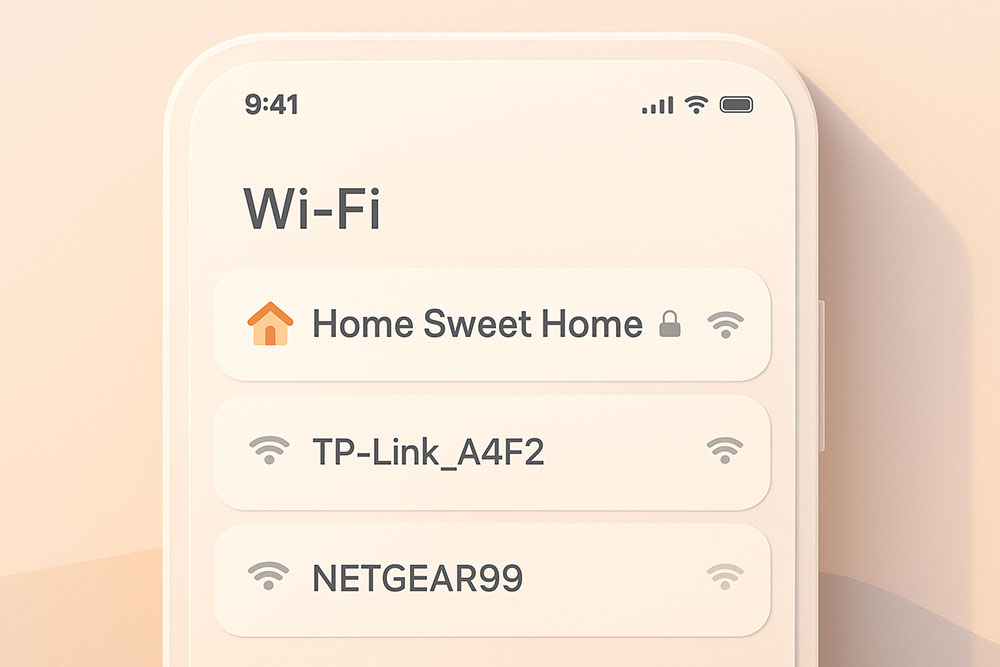
Your Router Can Speak Emoji
When you open your WiFi menu, what do you see? "NETGEAR-5G", "Linksys-Guests", "FBI Surveillance Van". It is a sea of boring, standard text. But modern routers and devices are surprisingly capable when it comes to character support.
You can use Unicode characters to make your WiFi name stand out, look cleaner, or just be weird. It is a fun way to personalize your digital space.
Ideas for Custom SSIDs
The Minimalist: Use simple geometric shapes or distinct fonts.
NETWORK 1 | 5G
Ⓝⓔⓣⓦⓞⓡⓚ
The Emoji User: Yes, you can put emojis in your WiFi name.
🏠 Home WiFi
🔒 Secure Network
🍕 Pizza Spot
The Typographer: Use a serif or bold font to look prestigious.
𝐓𝐡𝐞 𝐌𝐚𝐧𝐨𝐫
𝔗𝔥𝔢 𝔇𝔲𝔫𝔤𝔢𝔬𝔫
Compatibility Roulette
Here is the catch: not every device loves this. Your iPhone and Windows 11 laptop will likely see the cool name perfectly. Your 10-year-old smart printer or that cheap smart plug you bought online? They might struggle.
Some older devices only understand basic ASCII characters. If they see Unicode, they might show "????" or fail to connect entirely. If you have a lot of legacy smart home gear, test this on your Guest Network first before renaming your main connection. That way, you don't have to reconfigure every lightbulb in your house if it goes wrong.
Security Through Obscurity?
Some people claim that using weird characters hides your network from hackers. This is mostly a myth. While it might stop a script kiddie who is manually typing names, network scanners read the MAC address and the raw data. Don't rely on a fancy font for security rely on a strong password (WPA3).