
Stop Using the Carat (^/Symbol)
In the early days of computers, we used the carat symbol (^) to denote powers because we had no other choice. Writing "x^2" was the only way to say "x squared." Today, we have better options, yet many people still stick to the old ASCII habit.
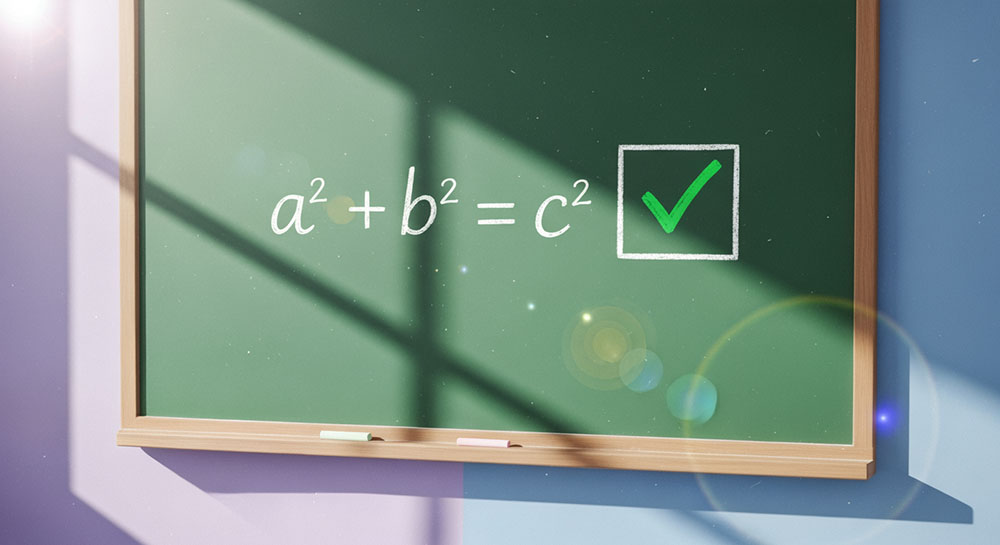
Using real superscripts makes your math easier to scan and understand. It removes the visual clutter of the extra symbols and mimics the way we write math by hand.
Superscripts in Daily Communication
You might think you don't use exponents often, but they pop up more than you expect.
Area and Volume: instead of "50 m2" or "50 sq m", you can write "50 m²". It is cleaner and more professional, especially in real estate listings or architectural descriptions.
Footnotes: Even if you aren't doing math, superscripts are great for adding informal footnotes to a post. You can add a tiny number¹ at the end of a sentence and then explain it at the bottom.
Trademarks: The trademark symbol is naturally a superscript, but sometimes you need to make other things small and high up. Superscript generators let you lift almost any text.
How It Works
A superscript tool maps your standard numbers (1, 2, 3...) to their Unicode superscript cousins (¹ ² ³...). You simply type your number, click convert, and copy the result. Most tools also support a good range of mathematical operators like plus (⁺), minus (⁻), and equals (⁼), allowing you to write full equations in the exponent position.
Example: eˣ⁺ʸ = eˣ · eʸ
Readability on Mobile
One small warning: superscript characters are tiny. On a desktop monitor, they are clear. On a small phone screen with low brightness, a superscript "3" might look like a smudge or a dot if the font size is too small. Use them for short, clear numbers, but avoid writing long sentences entirely in superscript unless you want your readers to squint.