
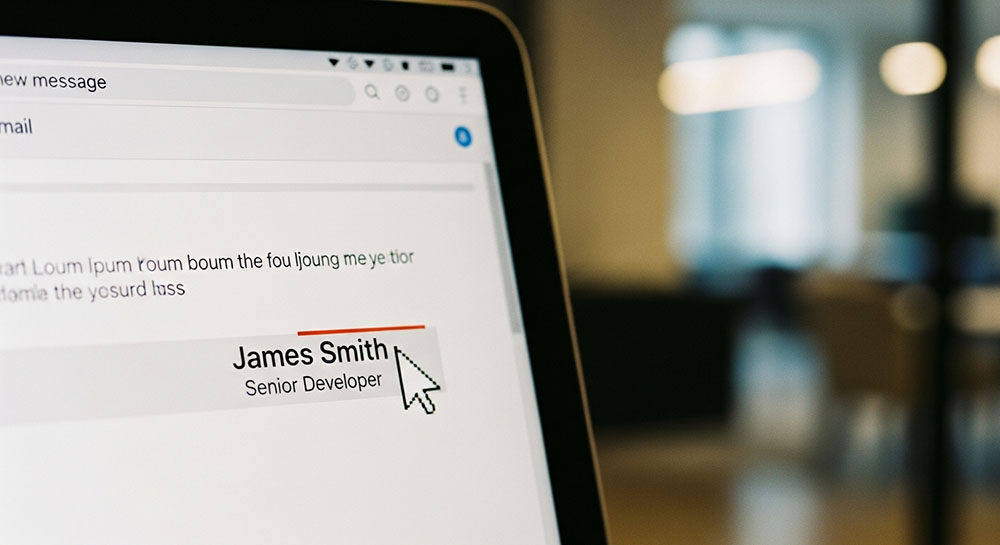
The Limitations of Gmail
Email clients are notoriously stubborn. You spend hours designing a beautiful HTML signature, send it out, and then realize Outlook has mangled it, or Gmail has stripped out your custom fonts. Most people give up and stick to plain text or standard fonts like Arial.
But there is a middle ground. You can't force a font file onto someone's computer, but you can use Unicode characters to mimic different font styles. This is a clever way to add some personality to your signature without relying on heavy HTML or images that might get blocked.
Stand Out in the Inbox
Imagine your email signature. It probably has your name, your title, and your company. Maybe a phone number. It’s functional. Now, what if your name was written in a bold, serif style that looks like a high-end magazine header?
Instead of: John Doe
You get: 𝐉𝐨𝐡𝐧 𝐃𝐨𝐞
It immediately grabs attention. It looks intentional. You can use italic Unicode text for your job title to separate it visually from your name.
𝐉𝐨𝐡𝐧 𝐃𝐨𝐞
𝐶𝑟𝑒𝑎𝑡𝑖𝑣𝑒 𝐷𝑖𝑟𝑒𝑐𝑡𝑜𝑟
This hierarchy happens purely with text characters, so it usually survives the journey through different email servers better than complex CSS styles.
Copy, Paste, and Pray (Testing)
I say "usually" because email is the Wild West of the internet. While Unicode is a standard, older email clients (looking at you, ancient versions of Outlook) might display these characters as empty boxes. It is becoming rare, but it happens.
Before you commit to a new signature, send a test email to yourself, to a Gmail account, an Outlook account, and check it on an iPhone. If the boxes show up, you might want to stick to standard text for the essential info (like your phone number) and only use the fancy text for your name or a slogan.
Best Practices for Professionalism
Just because you can use Bubble text in your signature doesn't mean you should. Unless you run a daycare or a toy store, keep the "fun" fonts away from your business email.
Stick to:
- Mathematical Bold (Serif or Sans-Serif) for your name.
- Mathematical Italic for titles or quotes.
- Small Caps for disclaimers or company names.
Keep it clean. A signature is a sign-off, not a billboard. A subtle touch of style shows you care about details; a chaotic mix of fonts shows you don't know when to stop.