
Why You Can't Underline on Instagram (Normally)
Instagram gives you filters, stickers, music, and AI editing tools, but it refuses to give you a simple "Underline" button for your captions. In the world of word processing, underlining is the most basic form of emphasis, used for titles, links, and key points. Its absence on social media platforms is a deliberate design choice to keep the interface clean.
However, clever users have found a workaround. By using Unicode combining diacritics, you can add a distinct underline to any part of your Instagram caption, bio, or comments. This secret formatting hack instantly sets your content apart from the billion other posts on the feed.
How Underline Generators Work
Combining Diacritics Explained
In the Unicode standard, there are "base characters" (like 'a', 'b', 'c') and "combining characters." Combining characters are marks intended to be placed on top of, below, or through the base character. They are typically used for accents in languages like Vietnamese or for mathematical notation.
An Underline Text Generator takes your text and inserts the "combining low line" character (U+0332) after every single letter. When the browser or app renders this, it draws the line under the preceding character, creating the illusion of a continuous underline.

Strategic Uses for Underlined Text
1. The "Link in Bio" Call to Action
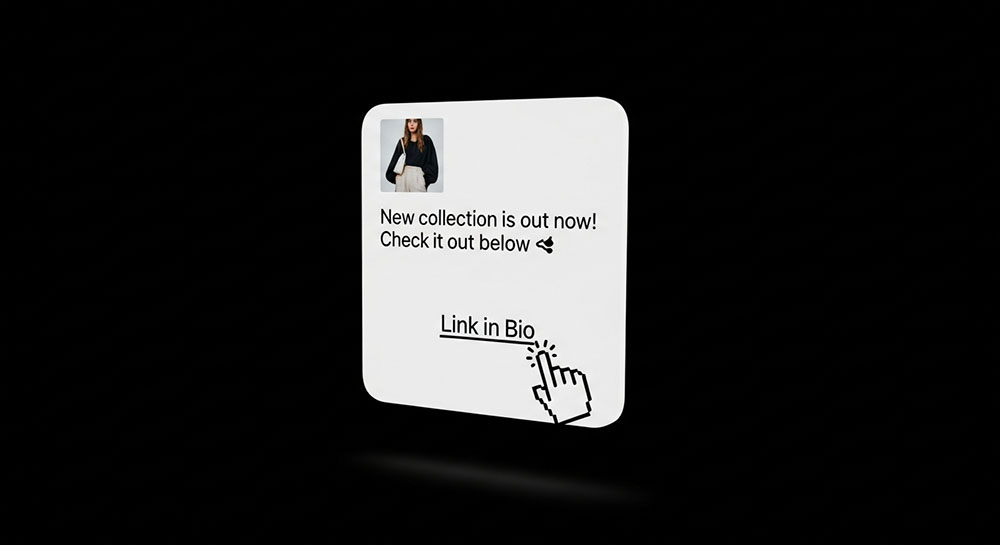
Since you cannot put clickable hyperlinks in Instagram captions, you have to direct users to your profile. Writing "Link in Bio" creates a visual cue that mimics a hyperlink. Internet users are trained to associate underlined text with clickability. Even though they can't click the caption, the formatting subconsciously nudges them to take action.
2. Section Headers
If you write micro-blogs or long captions, use underlining for headers.
Ingredients:
- Flour
- Sugar
This structure makes your content look organized and professional, rather than a wall of text.
3. Emphasis on Sales and Discounts
When announcing a sale, underlining the price or the discount code is highly effective. "Use code SAVE20 for a discount" draws the eye specifically to the value proposition.
Different Styles of Underline
Single vs. Double Underline
Advanced generators offers variations. You can get a standard single underline (l̲i̲k̲e̲ ̲t̲h̲i̲s̲) or even a double underline (l̳i̳k̳e̳ ̳t̳h̳i̳s̳). The double underline is particularly bold and looks great for main titles in your bio.
Other Line Styles
You can also use "arrows below" or "waves below" (squiggly lines). These are fun for creative accounts but can be harder to read. The standard single underline is the safest bet for legibility.
Compatibility Checklist
Where It Works
- Instagram Bios & Captions
- Facebook Posts
- Twitter/X Tweets
- TikTok Comments
- LinkedIn Posts
Where It Might Break
Some very old Android phones or specific desktop browsers might render the underline as a separate character next to the letter rather than below it. However, support for combining diacritics has improved massively in recent years. Always test your text on a second device if possible before posting important announcements.
Don't Overdo It
The "Glitch" Effect
If you add too many combining characters (like underlining AND striking through AND adding accents), the text can become "tall," extending into the lines above or below it. This is how "Zalgo" or "Glitch" text is made. While cool, it can ruin the readability of your caption. Stick to simple underlining for a clean, professional look.
Accessibility Note
Screen readers generally handle combining characters reasonably well, often ignoring them or reading the base letter. However, heavy use of diacritics can sometimes confuse text-to-speech software. Use underlining for short phrases (3-4 words max) rather than underlining your entire story.
Conclusion
The "Secret" to underlining on Instagram isn't a paid feature or a hack—it's just understanding how computers handle text. By using our Underline Text Generator, you can bring the formatting power of a word processor to your social media, making your calls to action impossible to ignore.