
The Simple Productivity Win Nobody Talks About
To-do apps are great until they are not. Sometimes you just want a list in a text file, a note app, a README, a Slack message, or a plain email. No sync, no account, no UI. Just text.
In plain text, the biggest drawback is feedback. You need a quick way to show what is done without deleting it. That is where strikethrough is surprisingly useful.
Why Strikethrough Works Better Than Deleting
It preserves history
When you delete completed items, you lose context. Keeping completed items crossed out lets you see what happened that day. This is especially helpful when you track small recurring tasks like “send invoice” or “reply to client”.
It gives you momentum
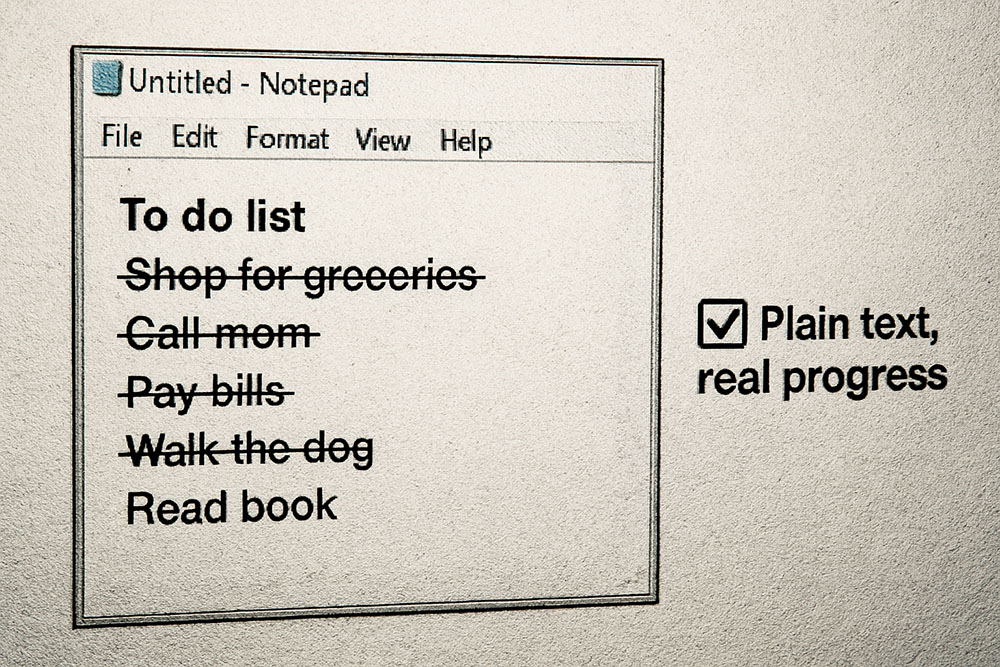
A list with crossed-out lines looks like progress. It is a visual reward, even in a plain text environment.
Where Strikethrough Is Practical
1) Daily notes
If you keep a daily log, strikethrough makes it easy to mark tasks as done while keeping everything in one place.
2) Team chats
In a Slack or Discord message, strikethrough can act like a lightweight task board. People can see what is finished without scrolling through follow-up messages like “done” or “completed”.
3) Plain text files in projects
For small projects, a TODO.txt can be enough. Cross out tasks instead of removing them and you get a mini changelog without setting up a full issue tracker.
How to Add Strikethrough Without Markdown
In some tools you can use markdown syntax like ~~text~~, but many places do not support it. A strikethrough generator solves this by using a Unicode combining overlay that visually draws a line through the letters. The result can be pasted almost anywhere as plain characters.
A To-Do List Template
Try this structure:
- [ ] Today: Write product description
- [ ] Today: Take photos
- [ ] Today: Publish listing
- [ ] Admin: Reply to messages
When a task is done, you can strike it through and optionally change the checkbox:
- [x] s̶e̶n̶d̶ ̶i̶n̶v̶o̶i̶c̶e̶
Keep It Readable
A small warning: heavy strikethrough text can be harder to read, especially with long sentences. Keep crossed-out items short, and do not use it for critical information like times, addresses, or URLs.
Small Habit, Big Payoff
If you like simple systems, this is one of those tricks that feels almost too basic, but it sticks. It keeps your list tidy, honest, and motivating without leaving plain text.